> >-
# Overview
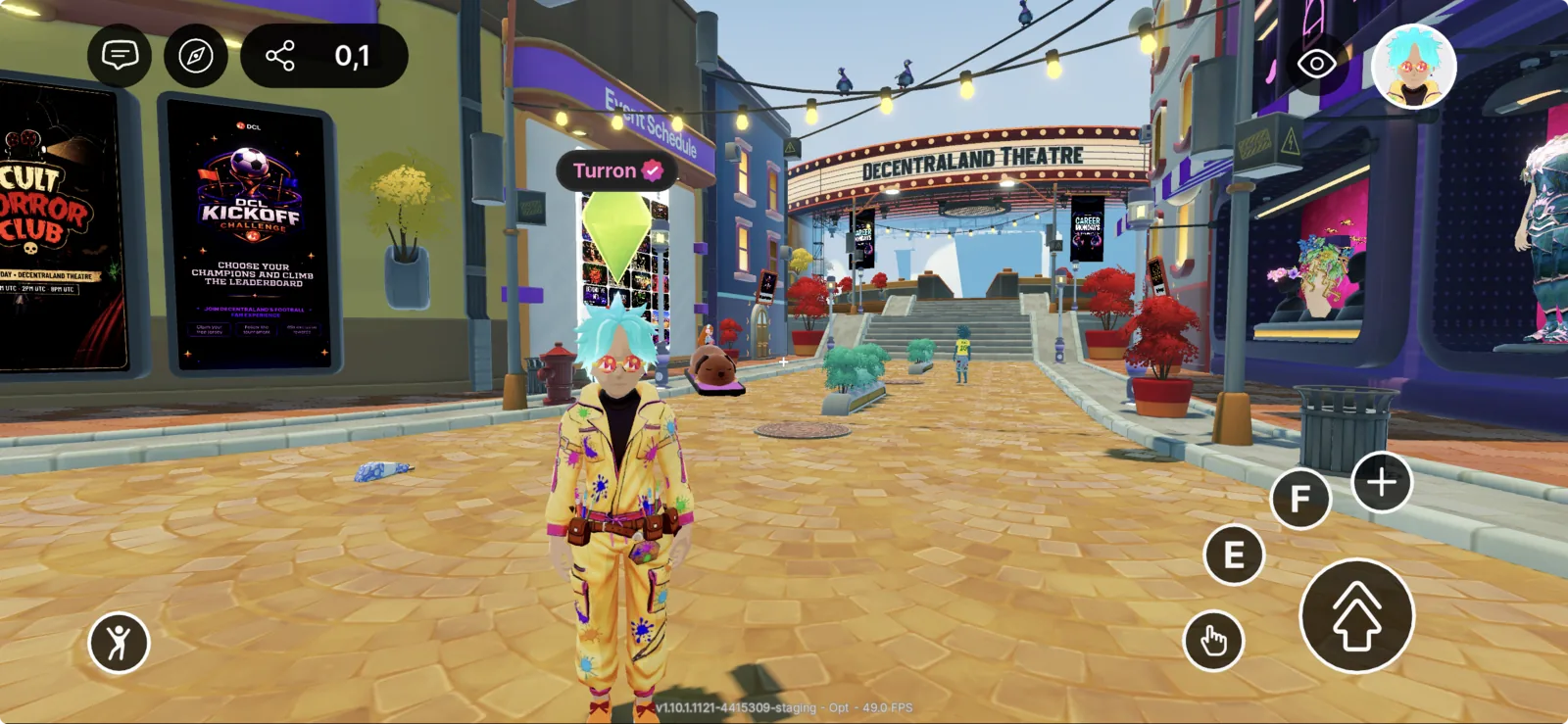
Decentraland is now available on mobile. Players can explore your scenes from iOS and Android devices, in addition to the desktop client and the web. As a creator, you can adapt your scenes so they look great and play well on touch-based devices.
Watch on YouTube
## Get the mobile app
* [Download for iOS (App Store)](https://apps.apple.com/app/decentraland/id6478403840?utm_source=docs&utm_medium=internal&utm_content=ios)
* [Download for Android (Google Play)](https://play.google.com/store/apps/details?id=org.decentraland.godotexplorer&pcampaignid=web_share&utm_source=docs&utm_medium=internal&utm_content=android)
## Building for Mobile
### Reference
* [Sample Scenes](/docs/creator/build-for-mobile/mobile-client/sample-scenes/) — open-source scenes built by the Decentraland team and optimized for mobile play.
* [Missing Features](/docs/creator/build-for-mobile/mobile-client/missing-features/) — features available on the desktop client that are not yet supported in the mobile app.
* [Hardware Requirements](/docs/creator/build-for-mobile/mobile-client/hardware-requirements/) — minimum and recommended hardware specs for running Decentraland on mobile.
### Develop
* [Detect the platform from code](/docs/creator/build-for-mobile/develop/detect-platform/) — use `isMobile()` to branch your scene's logic and UI per platform.
* [Preview your scene on mobile](/docs/creator/build-for-mobile/develop/preview-on-mobile/) — preview directly on a phone via the Creator Hub or the CLI.
* [Mobile safe area](/docs/creator/build-for-mobile/develop/safe-area/) — the device's hardware margins (notch, home indicator) and the regions the client's own controls occupy; pick the area your UI is placed in with `screenInset`.
* [UI best practices for mobile](/docs/creator/build-for-mobile/develop/ui-best-practices/) — DOs and DON'Ts, sizing recommendations, and current limitations.
* [Input on mobile](/docs/creator/build-for-mobile/develop/input-on-mobile/) — touch-friendly input mappings and which `InputAction`s to avoid.
* [Optimize Performance](/docs/creator/build-for-mobile/develop/optimize-performance/) — mobile scene limits, how to preview them in Creator Hub, and performance targets.
### Publish
* [Get featured on mobile Discover](/docs/creator/build-for-mobile/publish/get-featured/) — submission requirements for the mobile Discover section.
* [iOS curation](/docs/creator/build-for-mobile/publish/ios-curation/) — how iOS content curation works and how to submit your scene or world for review.
## Quick checklist
Before publishing a scene that should work well on mobile, make sure that:
* [ ] You have previewed the scene on a real device — see [Preview your scene on mobile](/docs/creator/build-for-mobile/develop/preview-on-mobile/).
* [ ] All critical UI elements stay inside the [mobile safe area](/docs/creator/build-for-mobile/develop/safe-area/).
* [ ] Your UI is sized large enough for touch — follow the [UI best practices](/docs/creator/build-for-mobile/develop/ui-best-practices/).
* [ ] Key actions are not bound to `IA_ACTION_3`–`IA_ACTION_6` (the `1`/`2`/`3`/`4` keys), which are not easily reachable on mobile — see [Input on mobile](/docs/creator/build-for-mobile/develop/input-on-mobile/).
* [ ] Your scene's [Performance](/docs/creator/build-for-mobile/develop/optimize-performance/) is above 90% on the High Graphics Profile on a mid-range phone — see [Hardware Requirements](/docs/creator/build-for-mobile/mobile-client/hardware-requirements/) for reference devices.