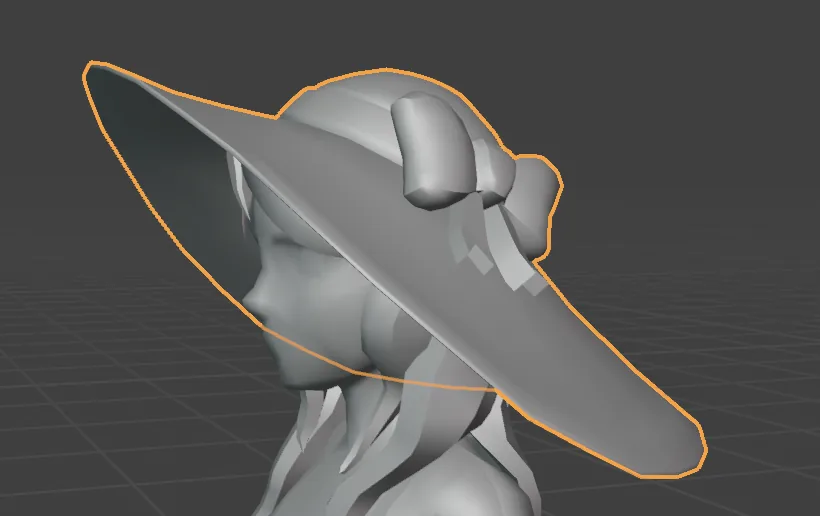
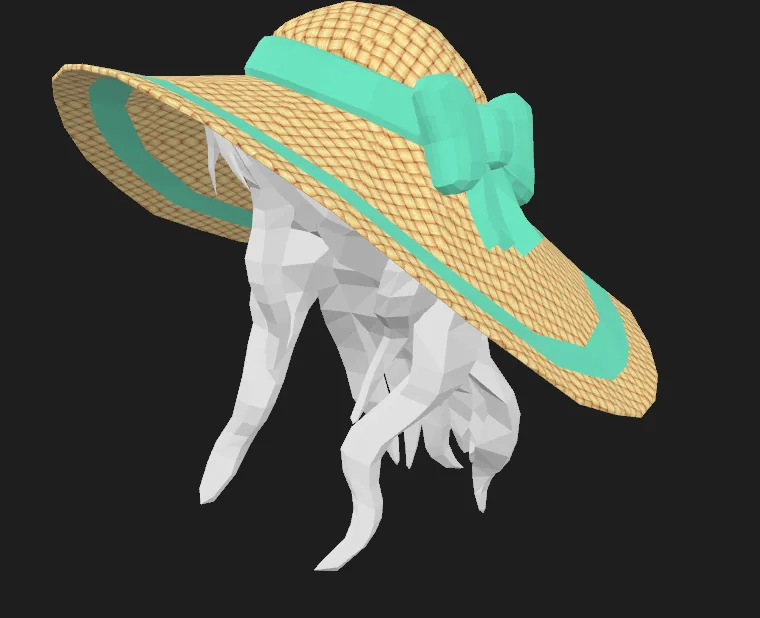
> This 6 part tutorial series will teach you how to create and publish a Wearable from start to finish without prior knowledge of Blender or Decentraland with professional artist KJ Walker as your guide.
# Blender for Beginners: Making your first Decentraland Wearable
This series of tutorials will guide you through the complete process of creating and publishing a wearable, from start to finish. The tool you will be using is Blender, and no prior experience is required.
> [!NOTE]
> **💡 Tip**: Install the [Decentraland Tools Blender plugin](https://extensions.blender.org/add-ons/decentraland-tools/). It includes several handy functions to help you edit and export 3D models, wearables, and emotes.
KJ Walker will take you on this adventure, going from Blender Essentials to advanced concepts in an interactive yet profound way. You can find more information about her and Low Poly Models [here](https://www.lowpolymodelsworld.com/)
The series are divided into 6 different Parts. This page will continue to be updated as each part of the series is uploaded.
## Index
* [Part 1: Making your first Hat](#part-1)
* [Part 2: Creating a Hat from Scratch](#part-2)
## Part 1: Making your first Hat
Watch on YouTube
In this first video, we’ll start from square one. You’ll learn what Blender is, how to download it, and how to confidently navigate the interface using a provided project file. By the end of this lesson, you’ll be comfortable moving around Blender and making simple edits to your first 3D object.
Key concepts featured in this video:
* Navigate the Blender interface
* Move, scale, and rotate objects
* Apply simple materials and change colors
* Export and import files
### Blender files you'll Need
* [Download Blender and GLB files (Wearable Hat ZIP)](https://github.com/decentraland/docs/raw/refs/heads/main/resources/BlenderForBeginnersPart1.zip
)
 ## Part 2: Creating a Hat from Scratch
Watch on YouTube
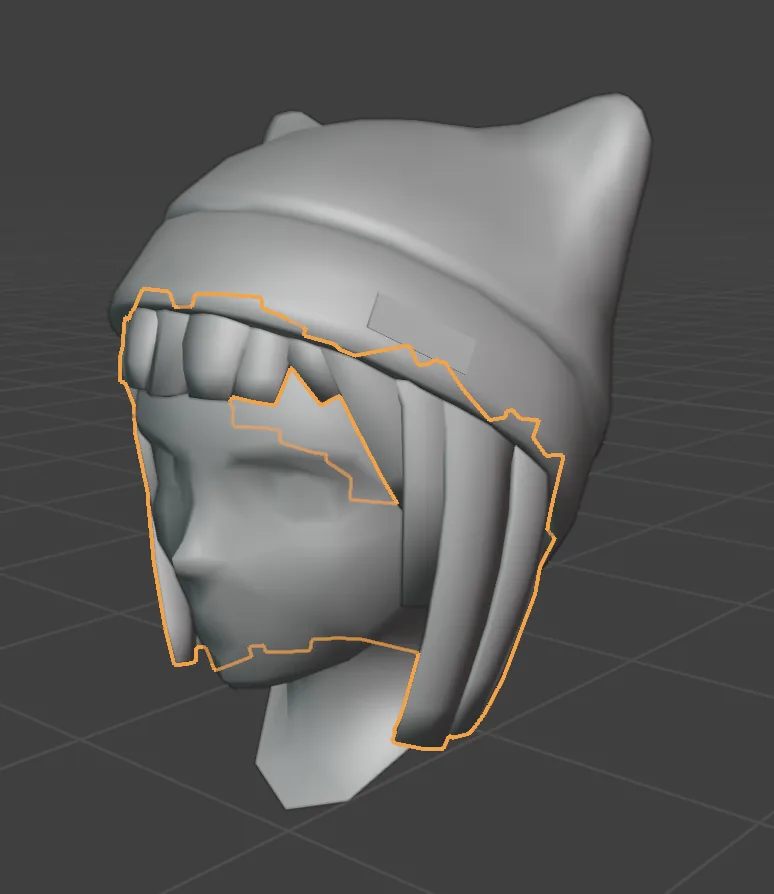
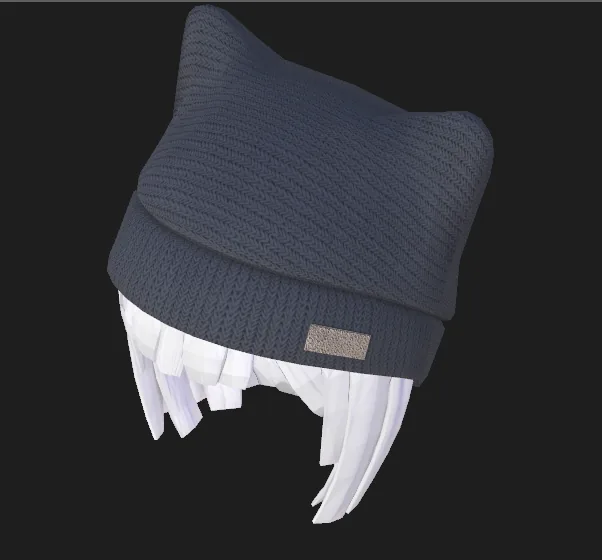
In this video, you’ll start building a hat from scratch using basic shapes. We’ll cover essential Blender modeling techniques like adding loop cuts, dissolving edges, using proportional editing, and refining geometry. You’ll also learn how to create and apply materials to shape the look and style of your hat.
By the end of this lesson, you’ll feel more confident shaping 3D objects in Blender and refining them with both geometry and materials, no prior 3D experience required.
Key concepts covered in this video:
* Shaping a hat from scratch using basic geometry
* Adding loops and refining forms
* Dissolving edges for cleaner topology
* Using proportional editing
* Creating, adding, and editing materials
* Applying textures and optimizing for performance
### Blender files you'll Need
* [Download Blender and GLB files (Wearable Hat Number 2 ZIP)](https://github.com/decentraland/docs/raw/refs/heads/main/resources/BlenderForBeginnersPart2.zip
)